Yuval Personal, Updated 2 months ago, 2 steps, 1 min read
How to Point at and Reference Screen Elements
Learn how to visually reference screen sections and interface toolbars on a non-touch display.
Made with Glitter AI
This guide demonstrates how to reference and highlight specific areas on a computer screen during visual demonstrations.
This applies to team members and presenters reviewing on-screen content with others on non-touch display setups.
Directing Attention on Screen
1
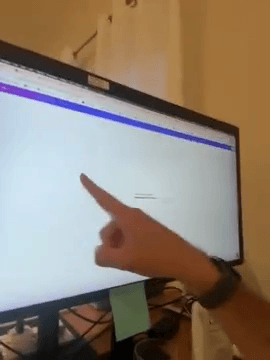
Point at the screen.
2
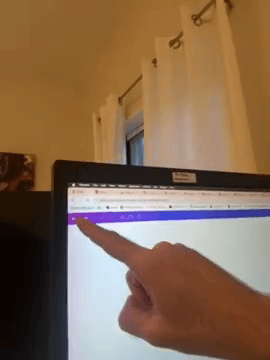
Point towards the top section of the screen.
Q: Does the display support touch inputs?
A: No, this is not a touch screen.
Previous
Completing the Preliminary Setup
Next